“This post contains affiliate links. If you make a purchase through these links, I may earn a commission at no extra cost to you.”
If you’ve been telling yourself, “I’ll build a portfolio website soon,” for months — or maybe even years —you’re not alone.
I was in exactly the same position.
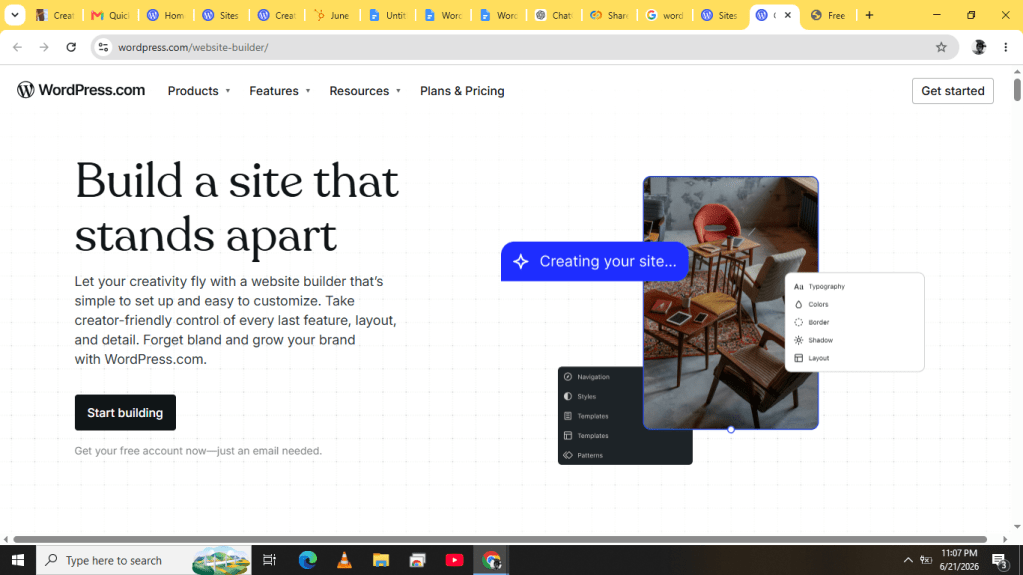
I’m not a developer. I don’t know how to code. Every time someone suggested using WordPress.com AI Website Builder, I’d open it, click around for an hour, get overwhelmed by the options, and quietly abandon the project. Building a portfolio website always felt like one of those things I’d get around to eventually.
Eventually never came.
The problem wasn’t that I didn’t want a portfolio website. I did. As a content writer, I needed a place to showcase my work, share information about my services, and have something more professional than a collection of links copied to be pasted whenever i was asked for proof of work.
The problem was that building a website felt like a project.
You have to choose a template, customize it, figure out colors and layouts, make sure it works on mobile, and somehow write all the content. Before you know it, you’ve spent hours making decisions and still don’t have a website you’re confident about.
So when I discovered WordPress.com AI Website Builder, I decided to give it a shot.
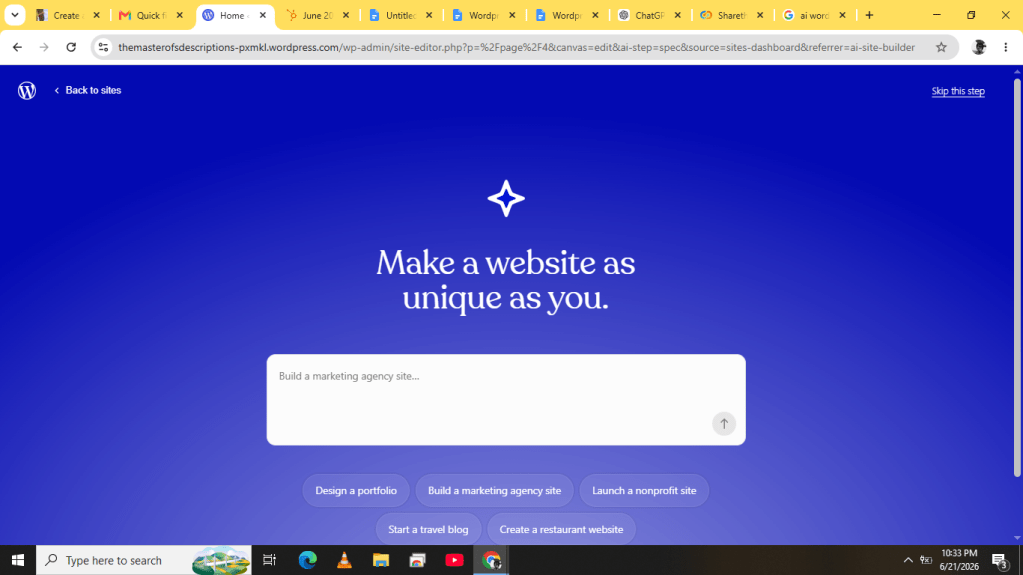
What happened genuinely surprised me.
The Part That Usually Stops People
For most people, the hardest part of building a website isn’t the technical side.
It’s the blank page.
You sit down with a vague idea of what you want, and suddenly you’re expected to make dozens of decisions before anything even resembles a website. That’s where many people get stuck.
What stood out to me about WordPress.com AI Website Builder is that it removes that problem entirely.
Instead of starting from scratch, you describe the website you want in plain language.
That’s it. WordPress.com AI Website Builder generates a site layout, suggested images, and
content just from a conversation.
Getting Started
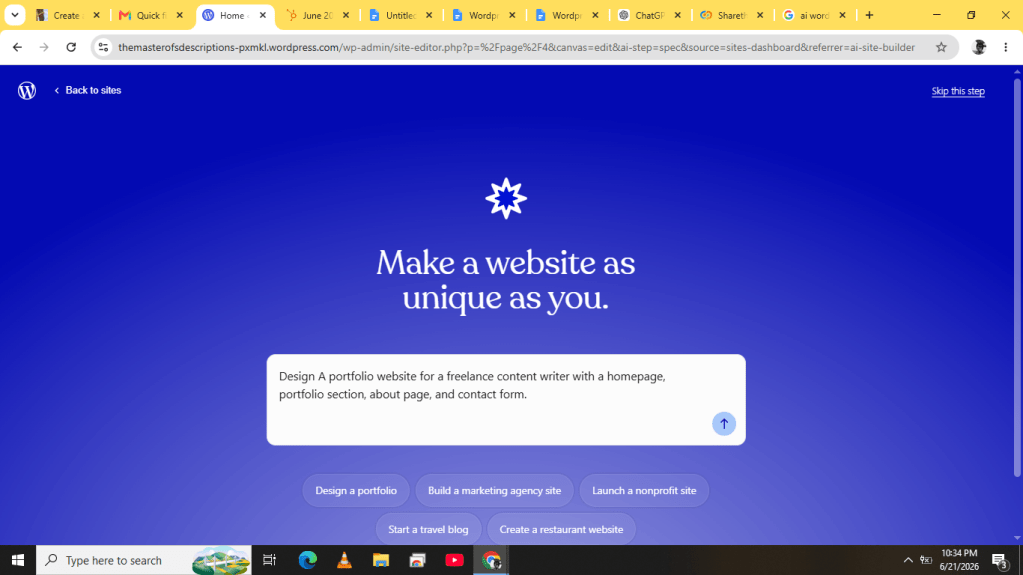
I went to the WordPress.com AI Website Builder and was immediately prompted to describe my site.
I expected a complicated setup process.
Instead, I was presented with a simple text box.
I typed:
“A portfolio website for a freelance content writer with a homepage, portfolio section, about page, and contact form.”
No design instructions.
No technical details.
No colour palettes.
Just a straightforward description of what I needed.
Of course, the WordPress.com AI Website Builder isn’t magic. It asks follow-up questions to better understand what you’re trying to build.
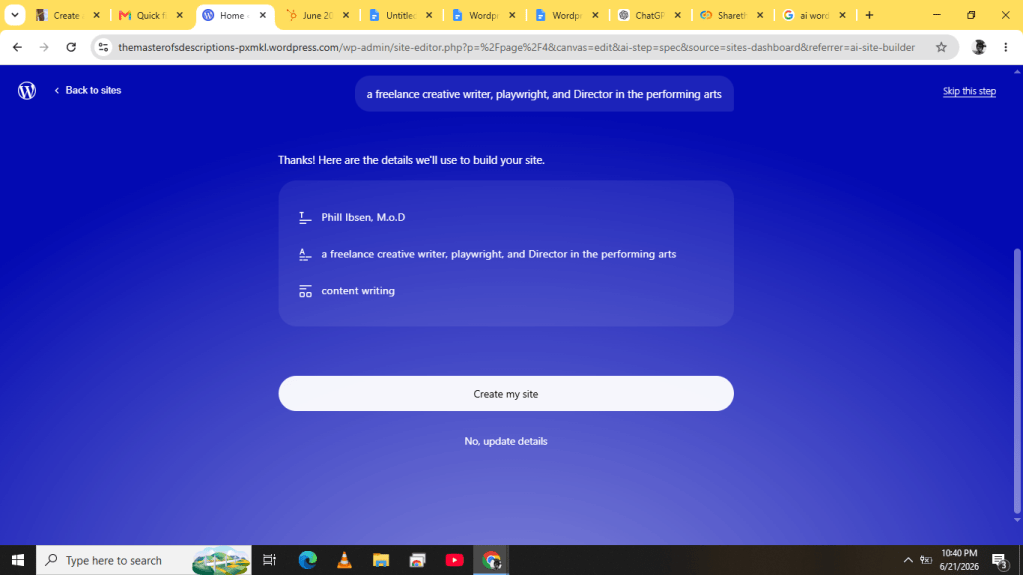
After entering the initial prompt, I was asked for my site title, which would appear in search results: i typed, Phill Ibsen, M.o.D.
It also asked for a tagline that would appear in search results and social previews. I described myself as a freelance creative writer, playwright, and art director.
Once I was satisfied with my responses, I clicked Build Site.
The screen displayed a simple message:
“Please wait, your site is brewing.”
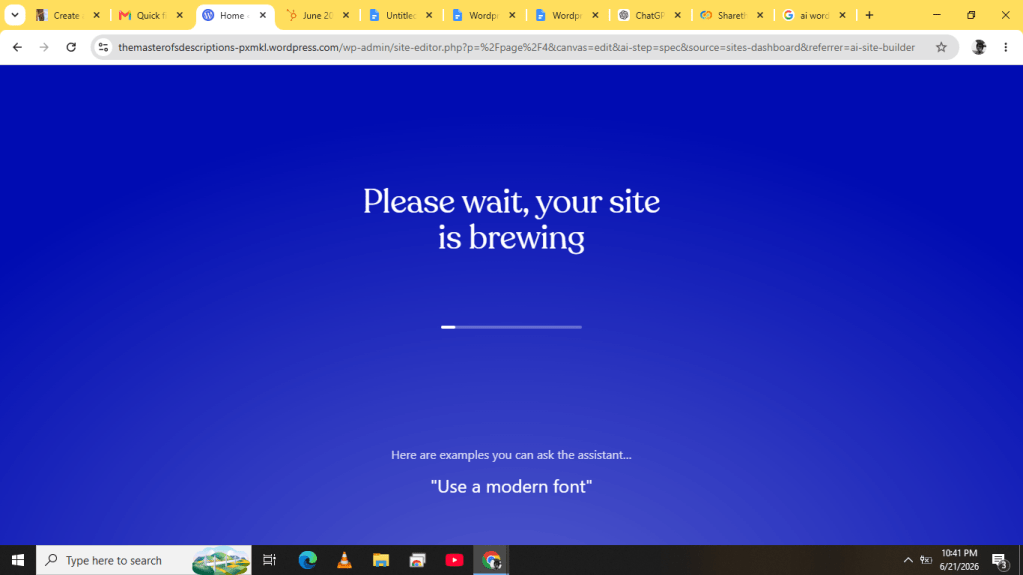
About a minute later, I had a complete website structure in front of me.
What WordPress.com AI Website Builder Actually Built
I’ll be honest: my expectations were low.
I assumed I’d get something generic or outdated-looking that would require hours of fixing.
Instead, the site looked surprisingly polished.
The homepage included a headline, an introduction section, and a clear call to action. The navigation menu was already organised with links to the About, Portfolio, and Contact pages.
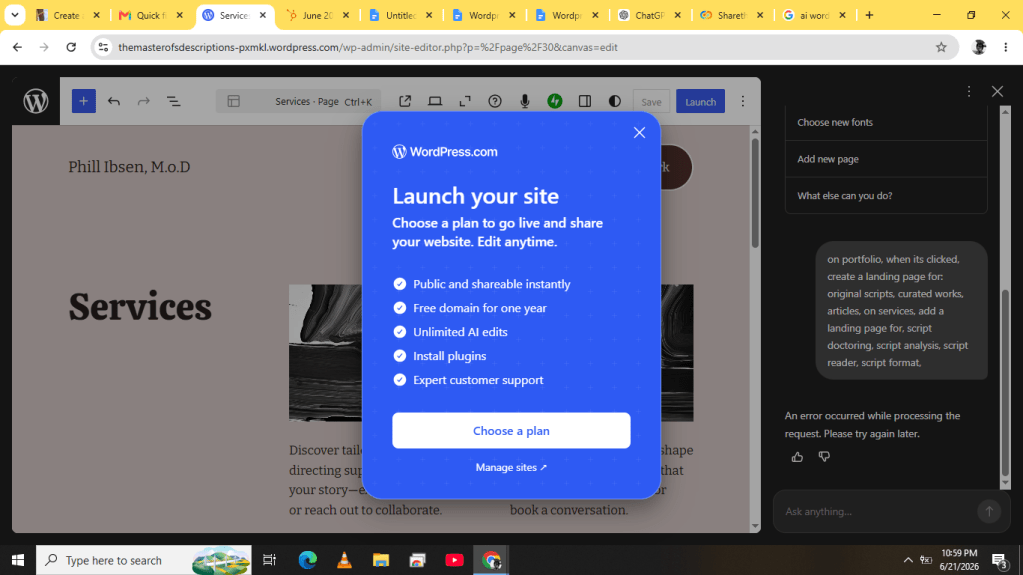
The portfolio page was structured as a clean grid ready for project samples. The About page provided space for a professional bio and image, while the Contact page came with a working contact form already in place.
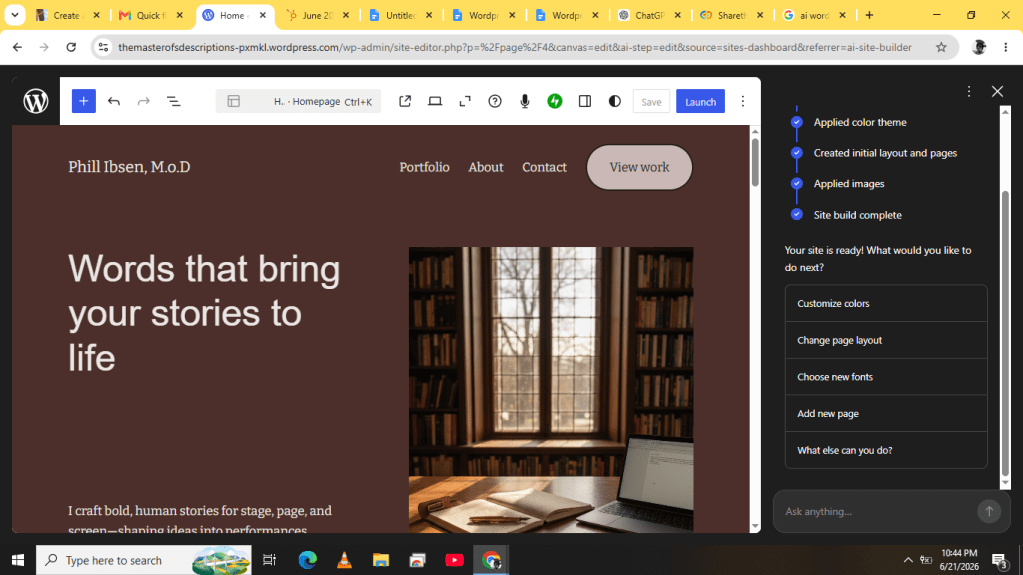
The stock photos weren’t something I planned to keep, but that wasn’t the point.
The important thing was that all the structural work, the part that usually takes the most time, was already done.
Instead of staring at a blank screen wondering where to begin, I was looking at a website that simply needed personalization.
The Editing Process
One thing worth understanding is that the WordPress.com AI Website Builder doesn’t replace you.
It gives you a starting point.
And honestly, that’s exactly how it should work.
I spent roughly 25 to 30 minutes editing the generated site.
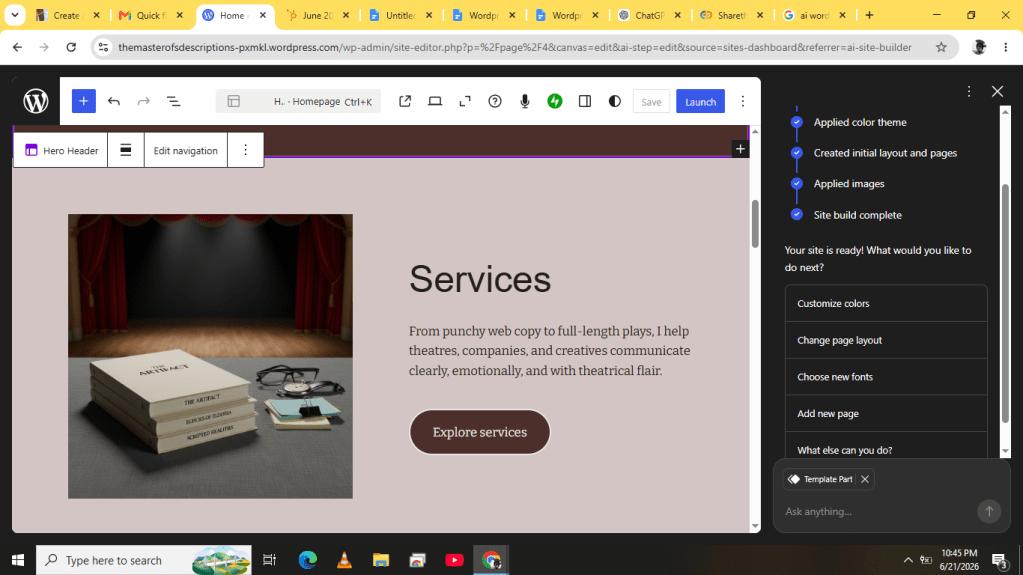
I rewrote sections of the homepage in my own voice, replaced the stock images with photos from previous projects, adjusted some colors, and updated the content to better reflect my work.
Everything happened through a visual editor.
Click.
Edit.
Save.
No code.
No tutorials.
No digging through endless settings panels trying to find what I needed.
WordPress.com AI Website Builder handled the heavy lifting so I could focus on making the site feel like mine.
Why This Feels Different
What impressed me most wasn’t necessarily the technology.
It was the reduction in friction.
For years, Portfolio website creation required a significant investment of time before you could see any meaningful results. You had to spend hours planning, designing, and troubleshooting before you gained any momentum.
WordPress.com AI Website Builder flips that process around.
You see results almost immediately.
Once you have something tangible in front of you, improving it becomes much easier.
The psychological difference between editing a website and creating one from scratch is enormous.
This Isn’t Just an AI Demo
Another thing that surprised me is that what you’re building isn’t a temporary AI mockup.
It’s a real WordPress.com website.
That matters.
Hosting, security, updates, and maintenance are handled for you, while you’re still building on the same platform that powers a significant portion of the web.
WordPress.com AI Website Builder does not create something disposable, but the foundation of a website you can continue improving over time.
You can connect a custom domain, add more pages, publish content, and expand your site as your needs grow.
A Few Things I’d Recommend
- Be Specific
The more detail you provide, the better the result.
“A website for my business” works.
“A website for a freelance photographer specialising in restaurant and food photography, complete with a portfolio gallery, pricing page, and contact form” works much better.
WordPress.com AI Website Builder can only work with the information you provide.
- Plan for Personalisation
The generation process takes about a minute.
The personalisation process takes a little longer.
You’ll want to rewrite text, replace images, and adjust details so the site reflects your personality and goals.
That’s normal.
The point isn’t perfection but skipping the hardest part of the setup process.
- Don’t Wait for Perfect
This is probably the biggest lesson.
Most people delay launching a website because they imagine it has to be perfect before anyone sees it.
It doesn’t.
A wordpress.com website that’s live and helping people find you is infinitely more valuable than a perfect website that never gets launched.
The beauty of starting with AI website builder is that you can get version one online quickly and improve it over time.
Final Verdict
From the moment I entered my description to the moment I had a website I felt comfortable sharing, the entire process took less than an hour.
For someone who had postponed building a website for years, that felt almost ridiculous.
Is it perfect?
No.
You’ll still want to customise it.
You’ll still want to make it your own.
But that’s very different from building everything from scratch.
If you’ve been putting off creating a website because it feels too complicated, too technical, or too time-consuming, tools like WordPress.com AI Website Builder have changed the equation.
The hardest part isn’t building the website anymore.
It’s deciding to start.
And once you do, you might be surprised by how quickly you can go from an idea to a live website.
thank you for reading this article, hope you find the courage to start building a website today.

Leave a Reply